
Facts first: In 2026, AI-assisted social media posts are everyday reality. The key question is no longer whether to use AI, but how – without all your posts sounding the same. According to HubSpot (2024), 64% of marketers already use AI tools for content creation. This guide shows you the most important use cases, how a good prompt is structured and how to keep your brand's personal touch. Matelify brings these capabilities together in the Mates – GDPR-compliant, on EU servers, built for SMBs.
How is AI changing social media work?
AI speeds up content work, but it doesn't replace human judgment. People remain the curators, quality reviewers and brand guardians – AI takes over the time-consuming legwork.
The most important use cases are: text generation (captions, post copy, hashtags), image ideas and creation, content planning with topic suggestions, analysis of posting times and engagement, and adapting a text for different platforms. At Matelify, these tasks are handled by specialized Mates.
Which AI features really help with social media?
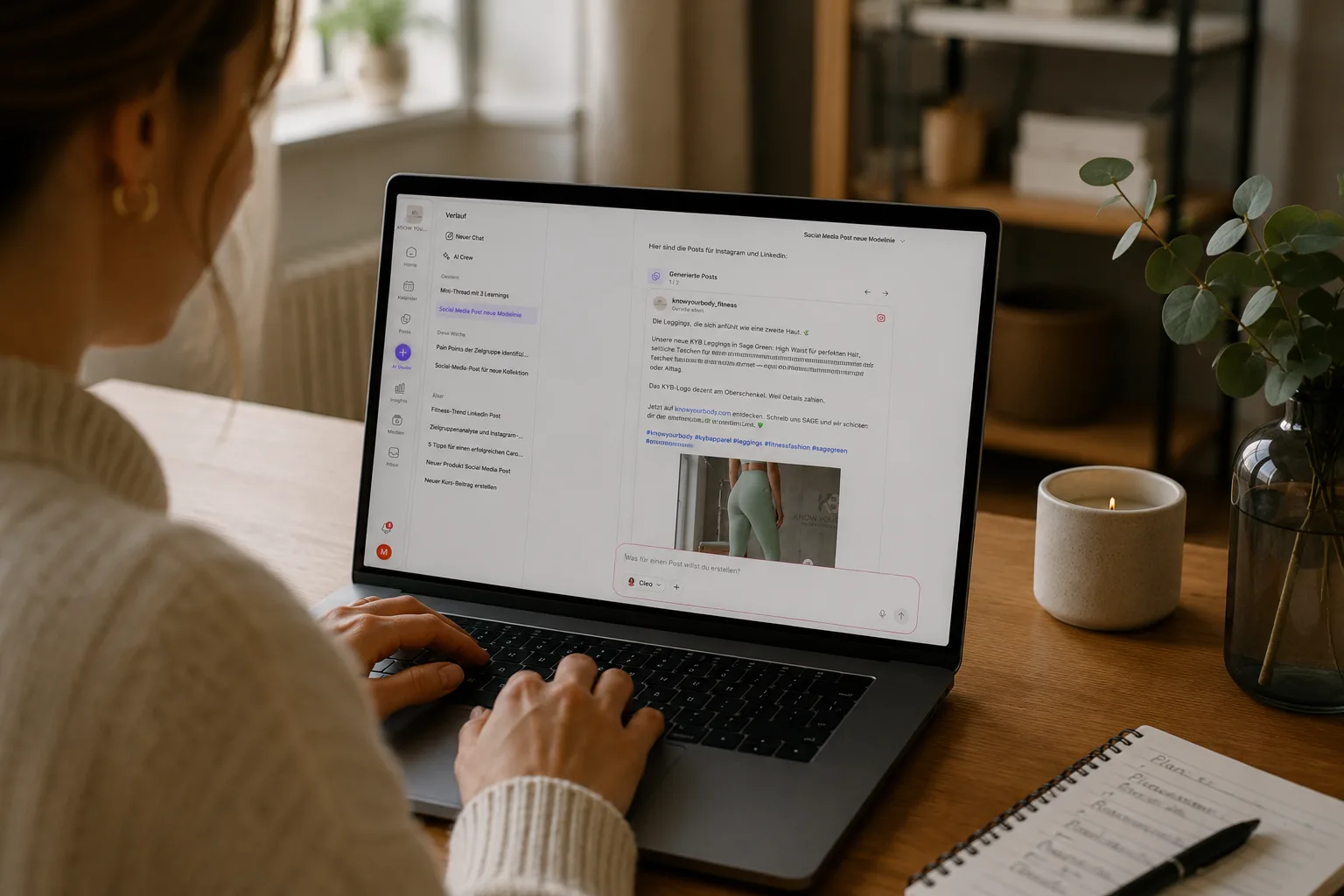
The most time is saved by five features you need again and again in everyday work:
- Text generation: captions, post copy and calls to action in your brand voice.
- Image ideas: suggestions and visuals when you're short on material.
- Content recycling: repurpose proven posts instead of starting from scratch.
- Hashtag suggestions: relevant hashtags that match your content.
- Platform adaptation: automatically rewrite a text for Instagram, Facebook, LinkedIn and TikTok.
In Matelify, these features are bundled in the Mates – Cleo creates content, Nova delivers strategy and topics. Details on the AI Studio page.
How do I create a post with AI, step by step?
A good AI post comes together in four steps:
- Define the topic: Use your content plan or get topic suggestions for your industry.
- Write the briefing/prompt: The clearer the instructions, the better the result (see next section).
- Review and adjust the output: Does the tone fit? Is the information correct? Add your personal touch.
- Add a visual and publish: Choose or generate an image, schedule the post or publish it directly.
In a tool like Matelify, fiddling with prompts is largely unnecessary because your brand voice is already stored – you just describe the idea.
What does a good social media prompt look like?
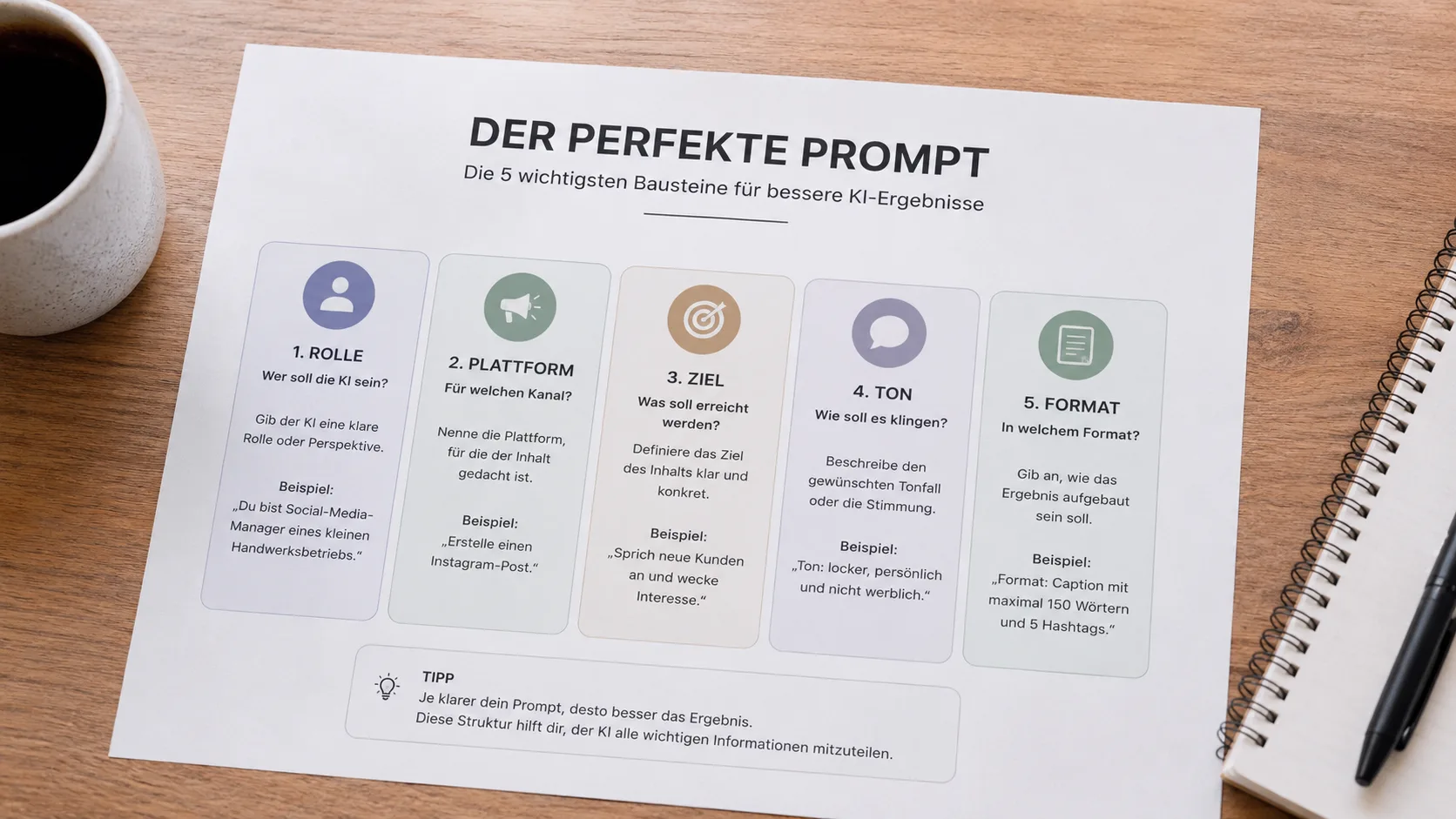
A good prompt contains five components:
- Role
- Platform
- Goal
- Tone
- Format
An example:
“You are the social media manager of a small trade business. Create an Instagram post that appeals to new customers. Tone: casual and personal, not salesy. Format: caption with a maximum of 150 words and 5 relevant hashtags."
The more specific these five details are, the less rework you'll need.
When you work with the Mates, role and tone are already defined by your brand voice. You only specify the platform, goal and your idea.
How do I avoid all my AI posts sounding the same?
The most important lever against generic AI copy is your stored brand voice and your own fine-tuning.
Noticeably change every AI draft, add a concrete detail from your business and keep your typical phrasing.
This is exactly where Matelify comes in: because the Mates know your brand, drafts already start closer to your style – and you have to make far fewer corrections.
That way, every post sounds like you, not like a machine.
👉 The Brand page shows how the brand profile is set up.
Is AI content GDPR-compliant?
That depends on the tool you use.
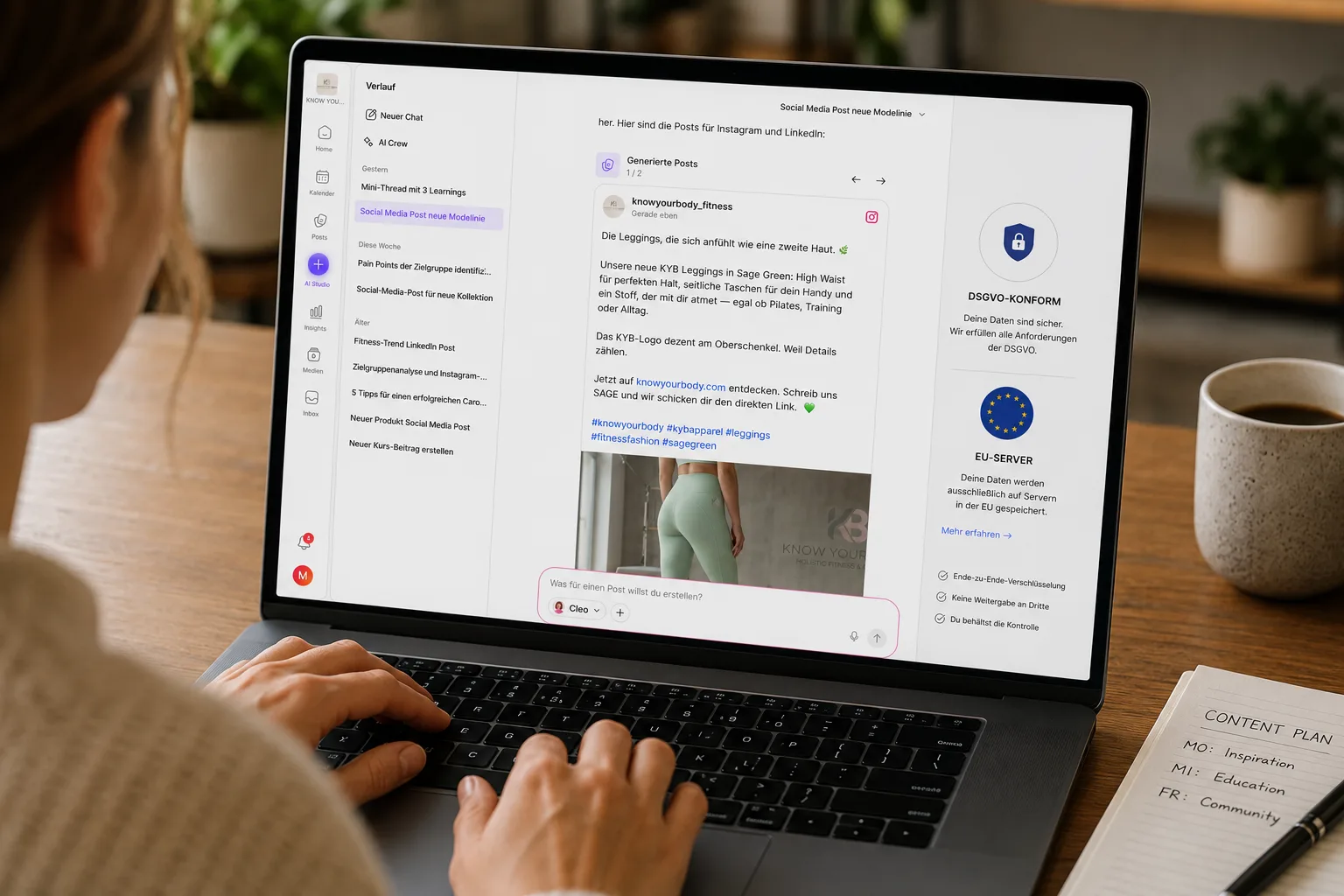
What matters is
- where your data is stored,
- how it's protected and
- whether it's used to train AI models.
Matelify hosts product data on EU servers, encrypts it with TLS 1.3 and AES-256 and does not use your content to train AI models.
For companies that work with customer or company data in particular, this is a decisive criterion.
Frequently asked questions about AI in social media
Does AI replace creative work?
No.
AI speeds up execution, but selection, quality control and brand management remain with you.
How much should I change in an AI text?
Enough that it sounds like you.
Often, a single concrete detail from your company is enough to turn a generic text into authentic content.
Do I need prompting skills?
For general AI chatbots, good prompting helps.
In a tool like Matelify, your brand voice is already stored, so you hardly have to write complex prompts at all.
Are AI images legally safe?
Always check the terms of use of the image tool you're using and label AI content wherever it's legally required.
Conclusion
AI makes social media faster – if you lead it instead of leaving the field to it.
With clear prompts, a defined brand voice and a GDPR-compliant tool like Matelify, you create content that doesn't feel generic but fits your company.